Guides
Store Notifications
Create SellApp notifications for completed orders, support tickets, and store events with Discord webhooks or email alerts.
You may want to receive a notification when a specific event happens on your SellApp store, such as when an order gets completed, a support ticket is created, or another store event needs attention.
Note
Currently, you can create Discord notifications and email notifications. More notification channels will be added in the future.
Setting up Discord channel notifications
-
Get yourself a webhook URL from your Discord server
- Right click the Discord channel where you'd like to receive notifications and click "Edit Channel"
- Navigate to "Integrations" and click "Create Webhook"
- Click "Copy Webhook URL" and save this somewhere, you're going to paste this in step 2.2
-
Add Discord webhook URL to SellApp
- Navigate to your SellApp storefront notifications and click "Add Channel"
- Select "Discord" as the channel type, add a reference you can remember for the channel name, and paste the webhook URL you got from step 1.1. in the "Webhook Url" input field.
- Select the notifications you'd like to receive on your channel. For example, if you only want to receive completed order notifications, select "Order Completed" here. Finally, click "Save" to complete the setup.
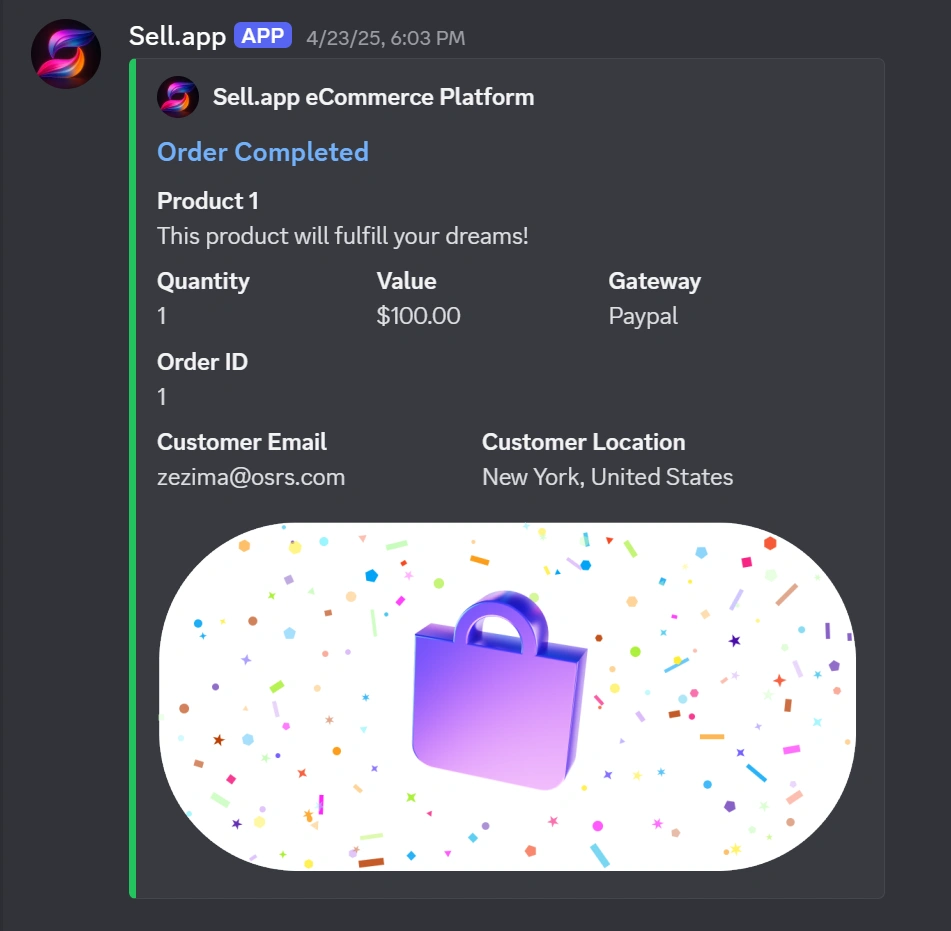
There you go. Now, specified notifications are sent near-instantly to the Discord channel you entered.
You can also click Send Test Notification while configuring a Discord channel to make sure the webhook is working before you rely on it.
Setting up email notifications
- Navigate to your SellApp storefront notifications and click "Add Channel"
- Select "Email" as the channel type and enter the email address in the "Email" input field.
- Select the notifications you'd like to receive to your email. For example, if you only want to receive completed order notifications, select "Order Completed" here. Finally, click "Save" to complete the setup.
There you go. Now, specified notifications are sent near-instantly to the email address you entered.