 SellApp
Starting point
Templates for different store styles
Pick from default, social, store-in-bio, SaaS, Notion, music, gaming, and more.
Built-In Feature
Whether you need a minimal mobile-first store or a more complete storefront for software and digital products, SellApp gives you real templates you can start from and then customize in the builder.
Starting point
Pick from default, social, store-in-bio, SaaS, Notion, music, gaming, and more.
Variants
Several directions already have alternate looks, so you do not start from the same store every time.
Follow-through
The template gets you moving faster, then the builder takes over when the store needs more personality.
Template gallery
These are real starting points from the old templates page, not placeholder mockups.
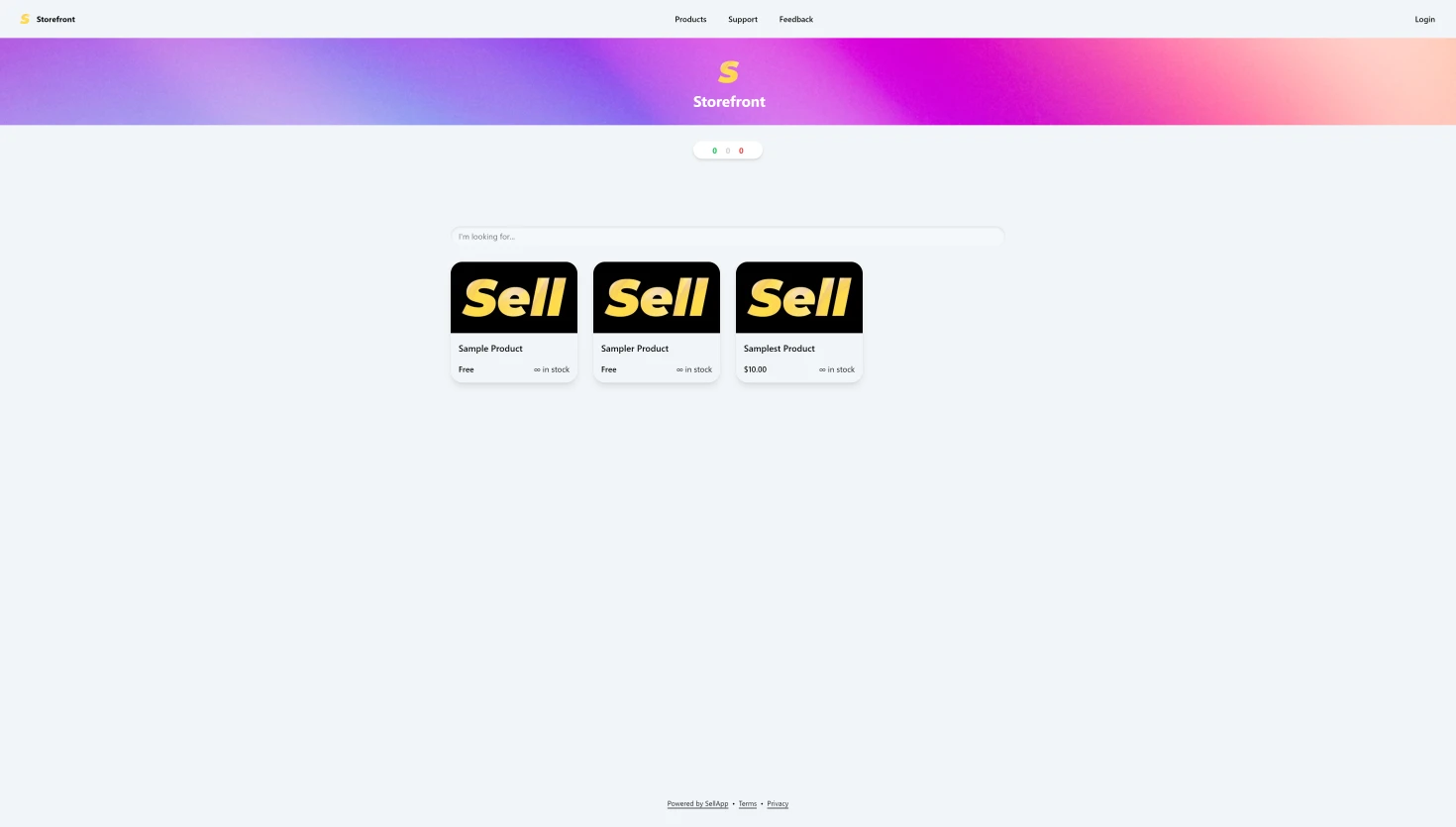
The default and most versatile storefront for a broad range of digital products.
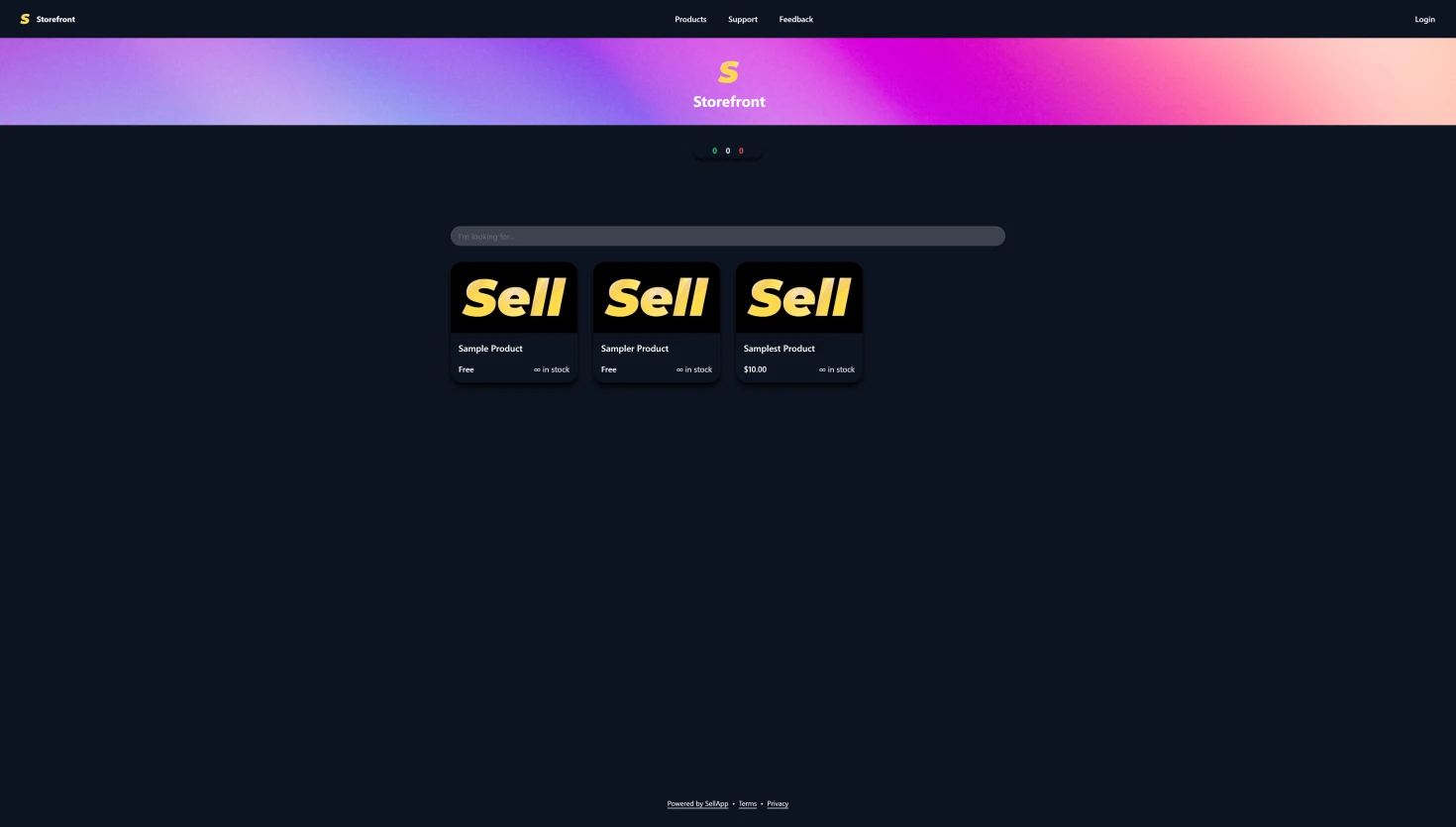
The same flexible storefront direction, but in a darker presentation.
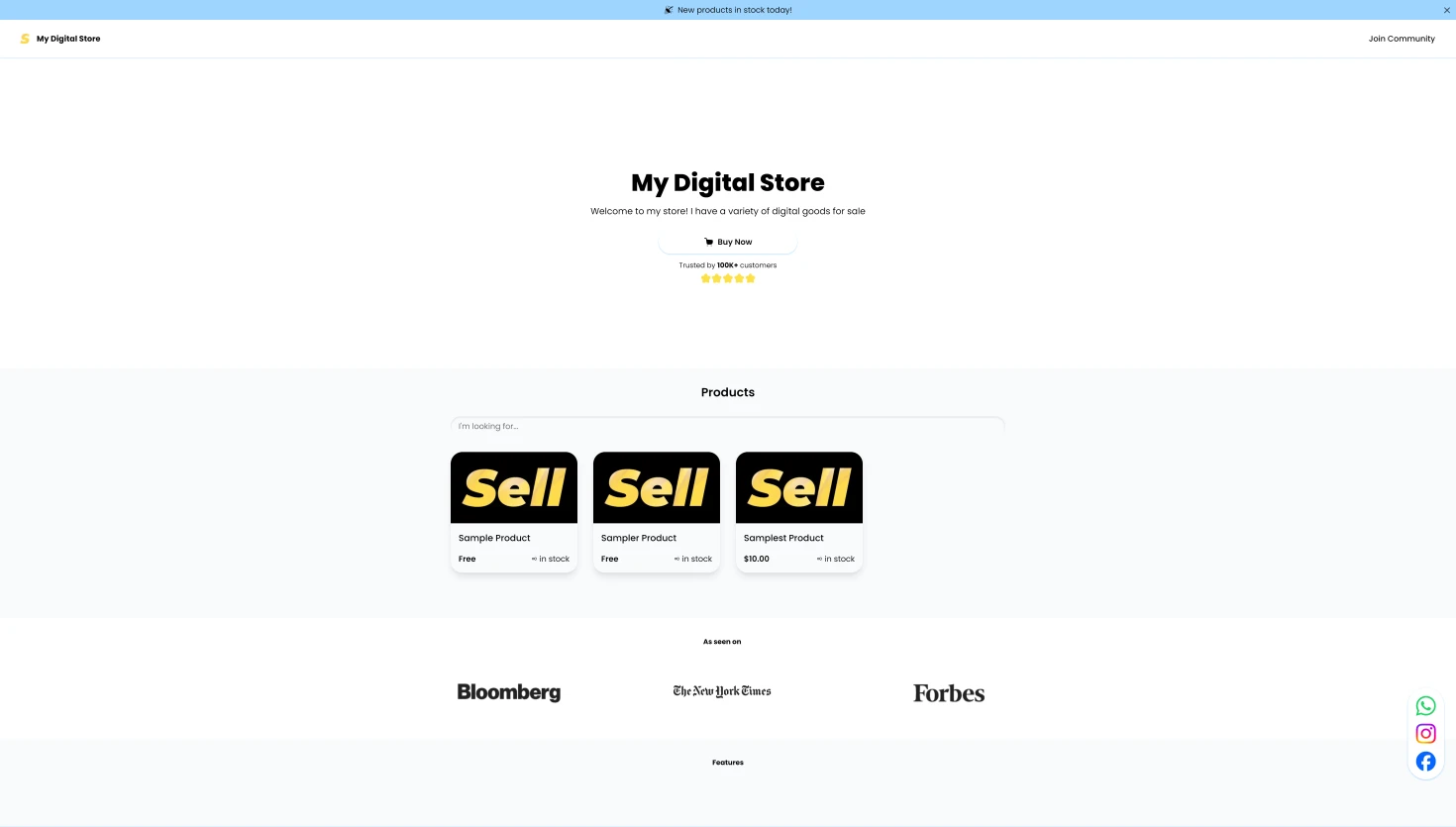
A social-first version of the default template for link-driven traffic.
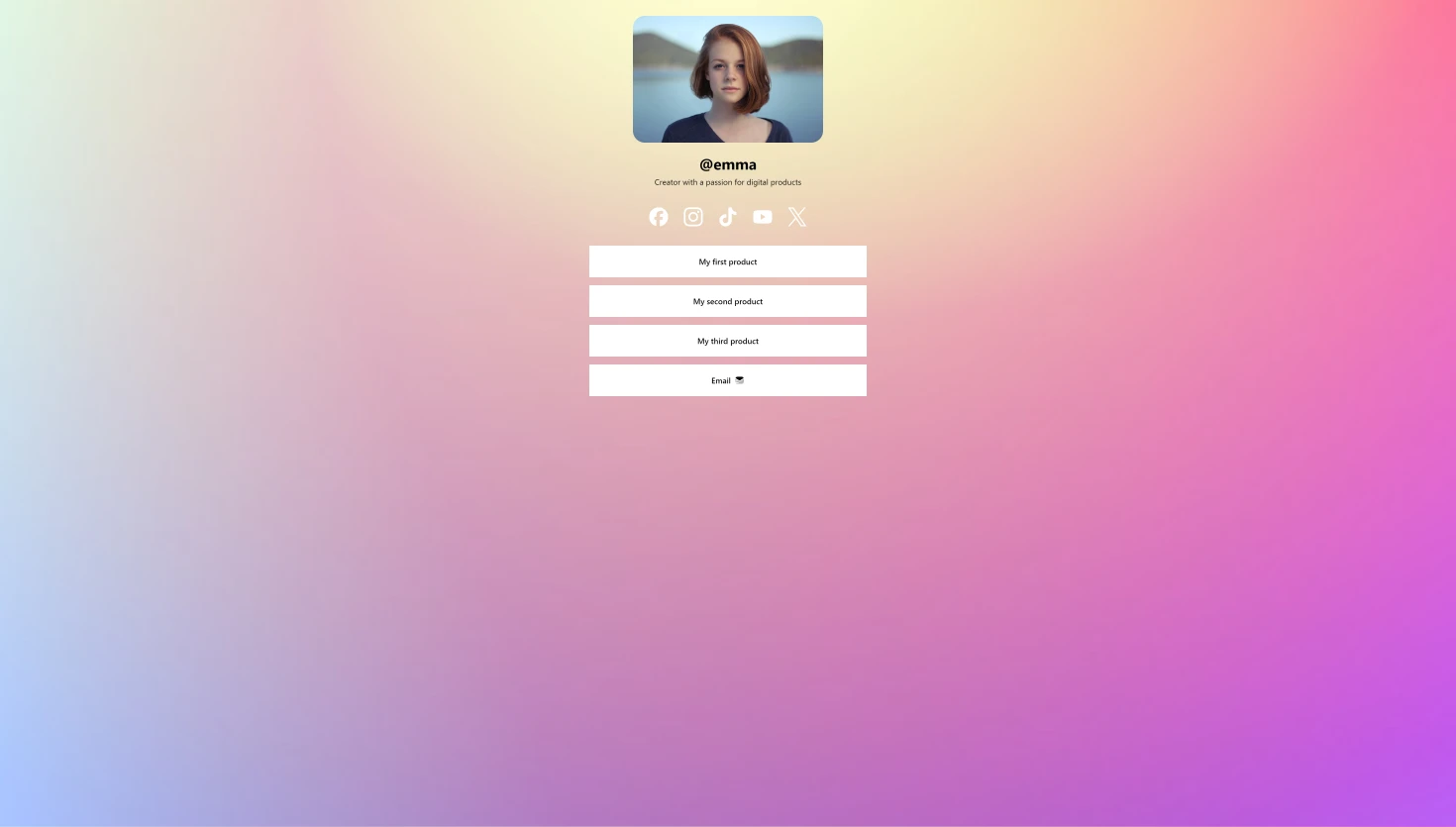
A lighter layout built for mobile visitors coming from profile links.
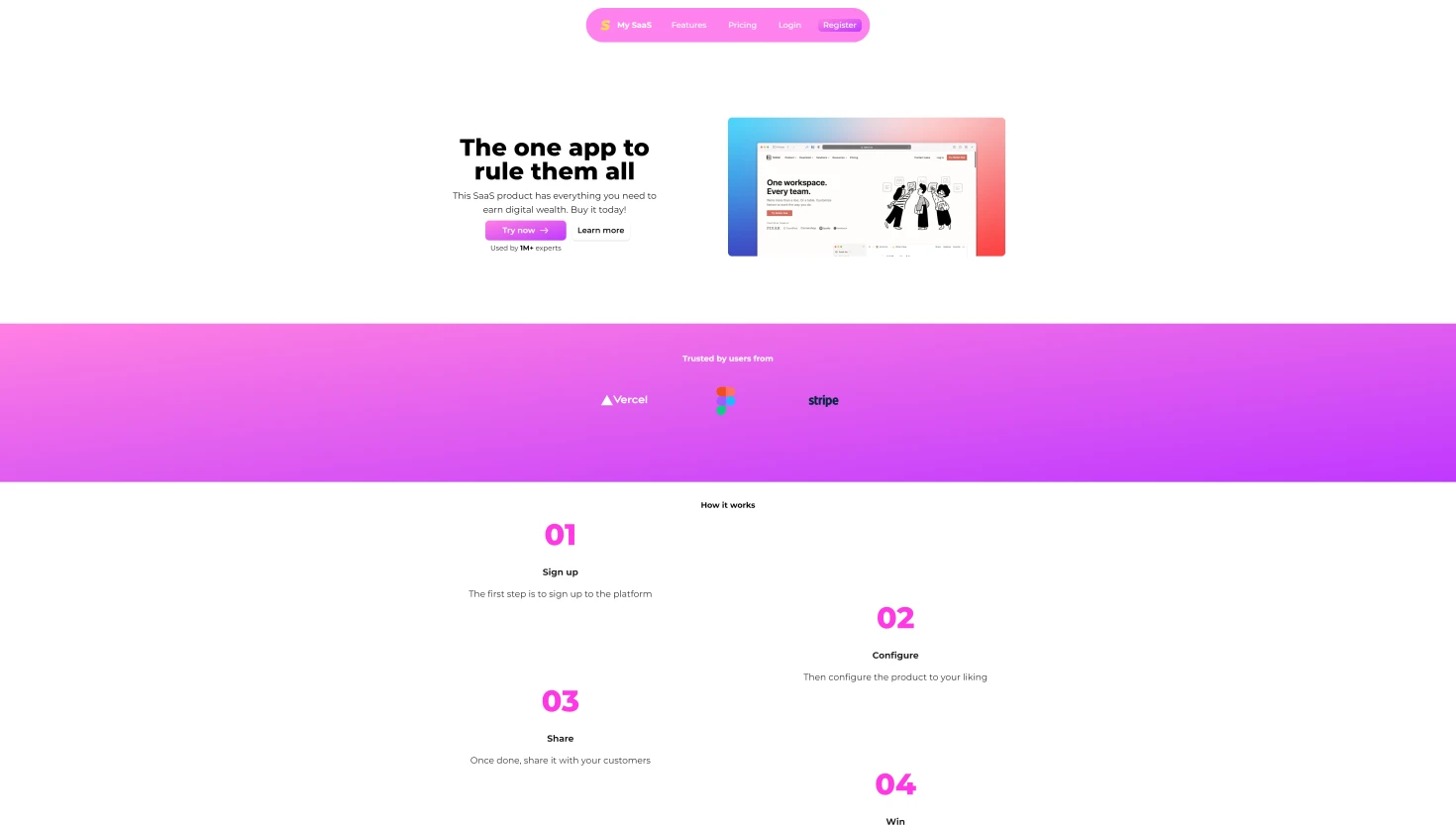
A cleaner storefront direction for software and recurring offers.
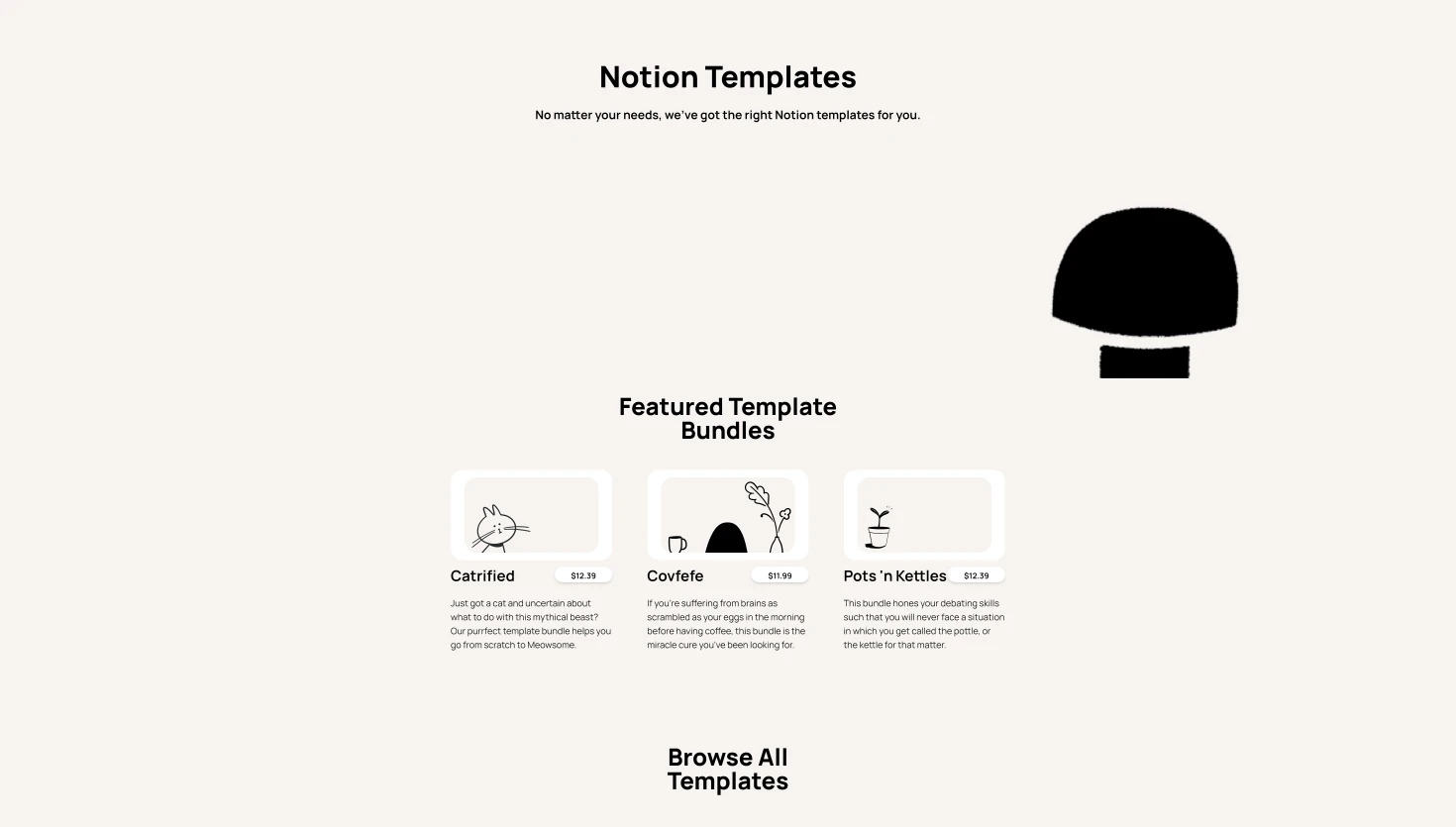
A purpose-built template for creators selling Notion products.
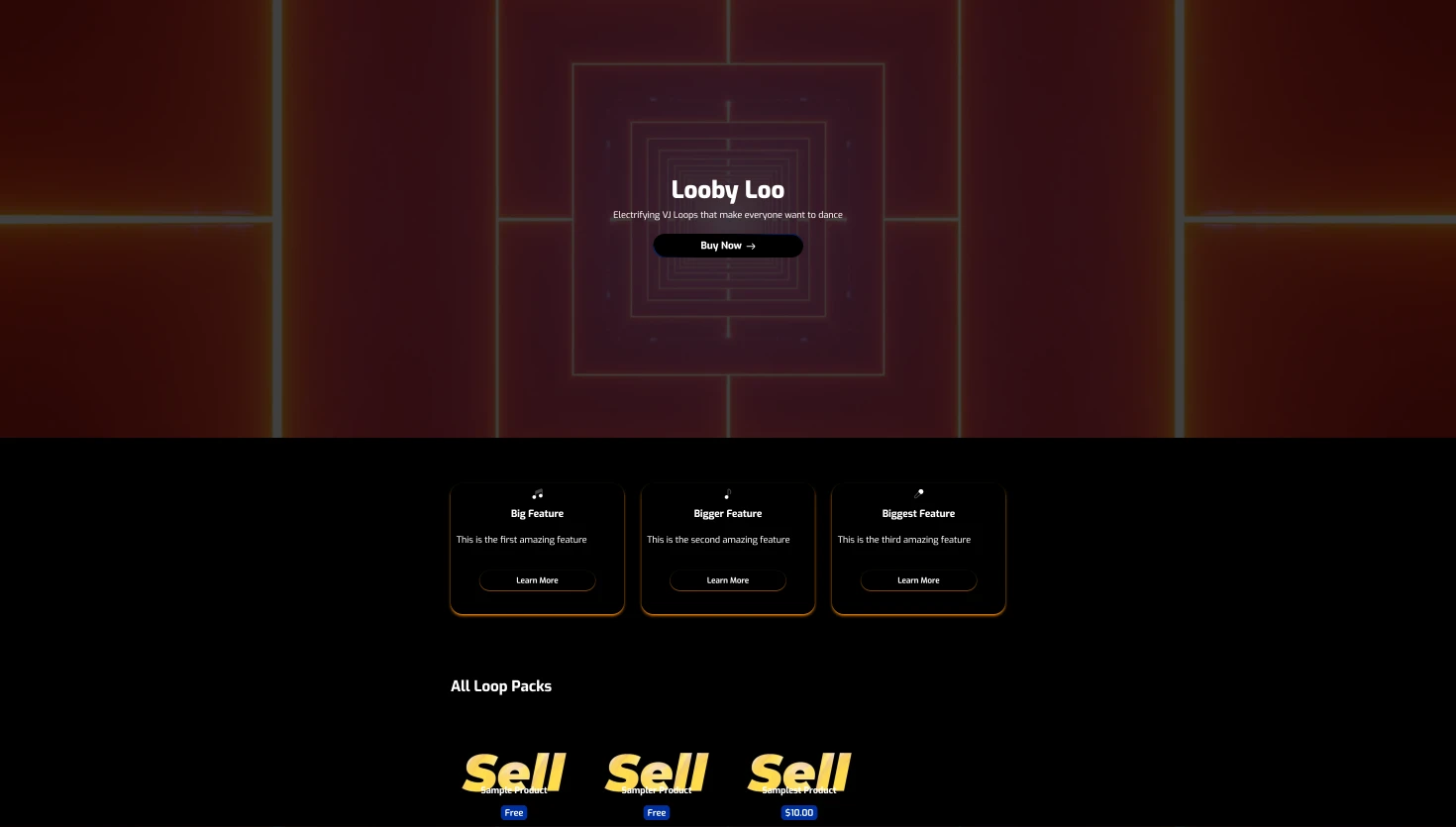
A more visual template direction for music and creative product catalogs.
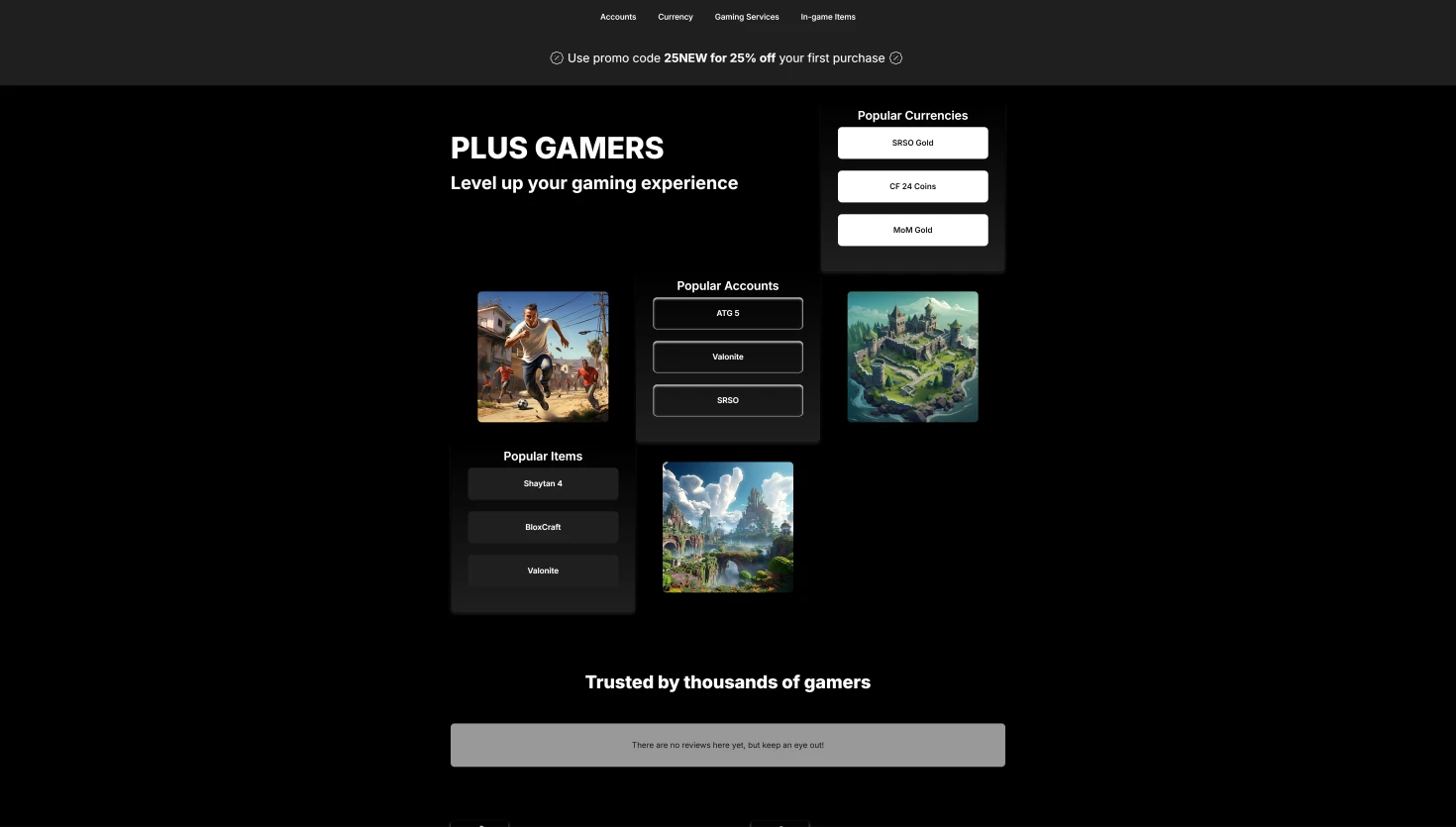
A storefront style tailored more closely to gaming communities and products.
What you get
The value here is not generic inspiration. It is getting a real storefront direction that already fits how you want to sell.
Start from a layout that already looks like a storefront instead of assembling one section by section from nothing.
Use a different starting point for software, social traffic, Notion products, music, or broader digital catalogs.
Compare actual template directions before loading one into your store.
Several template families already give you visual variation without extra setup work.
Once the template is loaded, the builder becomes the natural next step for customizing the store.
Templates speed up the first version of the store without locking you into a fixed outcome.
Pick a template, make it yours in the builder, and launch without starting from scratch.