 SellApp
Editing
Build with sections, blocks, and templates
The builder is meant to make page design practical, not turn the store into a side project.
Built-In Feature
Our store builder helps you create a personalized storefront without needing to code. It comes with templates, premade sections, and the selling flow already connected to the same platform.
Editing
The builder is meant to make page design practical, not turn the store into a side project.
Control
Adjust layout, content, fonts, and media so the store feels like your brand instead of a stock page.
Selling flow
You are not designing in one product and then trying to bolt commerce on afterward.
Builder demo
The old builder page led with a product demo. That is a better fit for a showcase page than an abstract mockup.
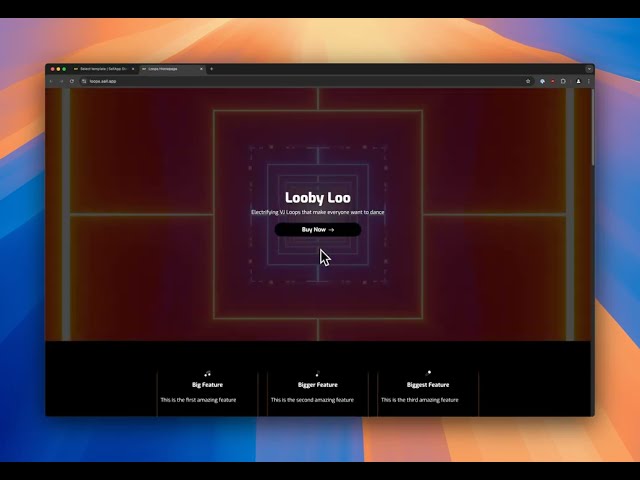
Watch the builder demo to see how the storefront editing flow works.
What you can do
These are the practical controls the legacy builder page highlighted, not generic category copy.
Buttons, stories, socials, and other premade blocks are ready to drop into the storefront.
Point your own domain at the storefront with a simple setup path.
Choose the font direction that fits the brand without needing a front-end rebuild.
Use the built-in integrations to add stock images or GIFs directly while editing.
Send visitors from one link to another destination when the store flow calls for it.
Lock the full site or a specific page behind a password when access should stay limited.
Documentation
The official builder docs walk through the storefront editor, template flow, and customization steps.
Build the storefront around your products without splitting design, checkout, and delivery across separate tools.